Step 1
Log in on the Gmail used to create the G+ page.
https://www.google.com/business/

Step 2
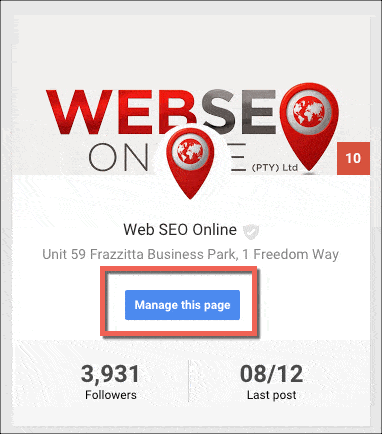
Click on mange this page.
Step 3
Click on the drop down menu in the right hand corner and then select settings.

Step 4
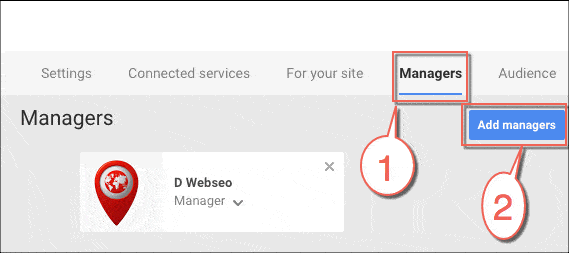
Select the managers tab.
Step 5
Click
Add manager, enter the
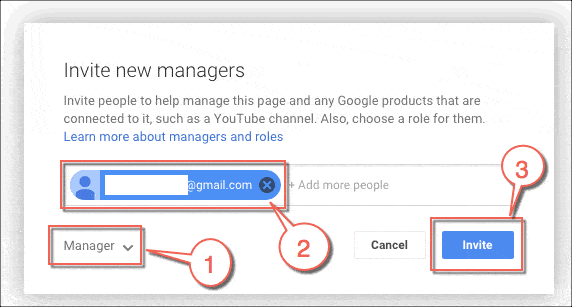
email address for the new manager and click
Invite. On this page you will see all the active managers as well as people who have been invited to become managers. When a manager invitation is accepted, the owner of the page will be notified.
Alternatively, see our
Google Local Optomisation page for further queries.